
Your dashboard at dash.frontassist.ai is where you watch your AI assistant work, message customers, and manage your account. Here's what each section does.
Dashboard
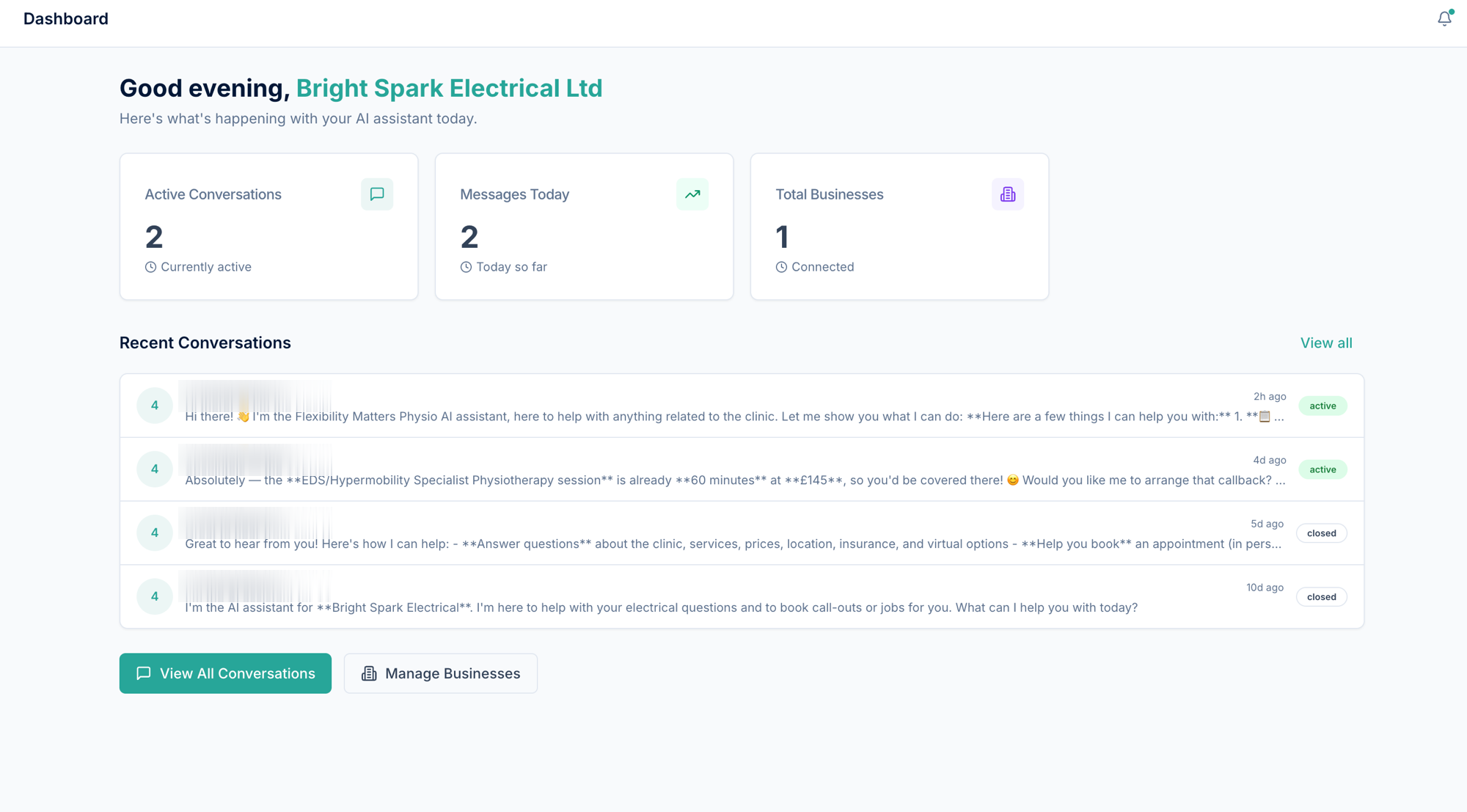
The home view. It greets you with a snapshot of your account—active conversations, messages today, and connected businesses—plus your most recent conversations and quick links to dive in. If you’ve just signed up and haven’t connected a business yet, this is also where you choose a plan to set up your first AI assistant.
Conversations
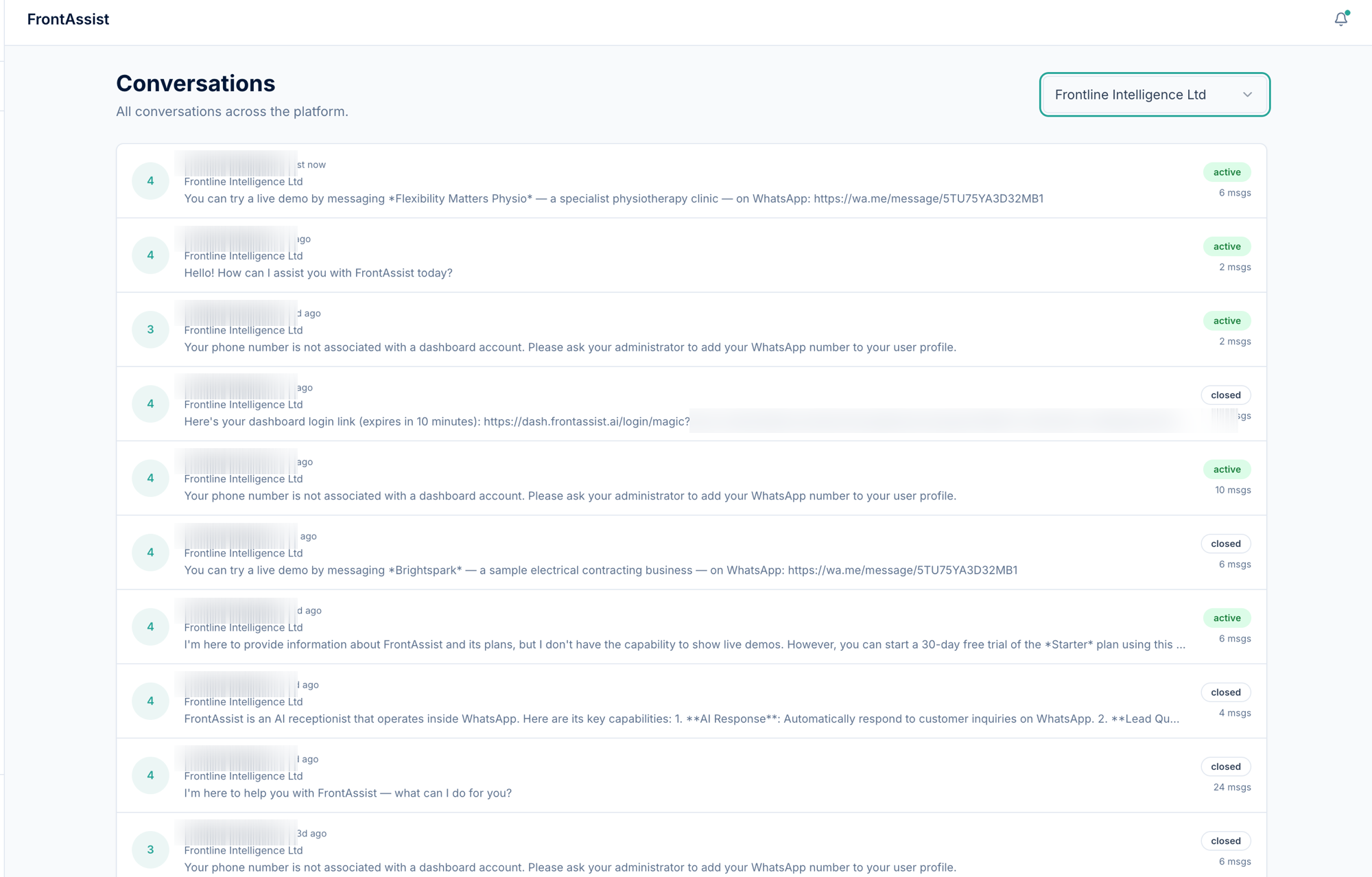
The heart of the dashboard. Every customer conversation is recorded here in full, shown as familiar chat bubbles so you can read exactly what each customer asked and how the assistant replied.
Use this view to:
- Read the full history of any conversation.
- See who said what—customer messages, AI replies, and any replies you sent yourself from the WhatsApp app appear together (more on that in Coexistence & Human-in-the-loop).
- Open a conversation to follow up, or to pause or resume the AI for that specific chat.
Send Message
Need to reach a customer first? Send Message lets you start an outbound WhatsApp message from the dashboard—handy for following up on an enquiry.
WhatsApp only allows businesses to message a customer freely within 24 hours of that customer’s last message. Outside that window, WhatsApp requires an approved template (see below)—a rule that applies to every business on WhatsApp, not just FrontAssist.
Templates
Templates are the pre-approved messages WhatsApp lets you send to start a conversation or reach a customer outside the 24-hour window. This is where your templates live, so the assistant—and you—can send compliant outbound messages.
Businesses
The Businesses page lists every business you’ve connected, each with its status, contact details and connected WhatsApp number.
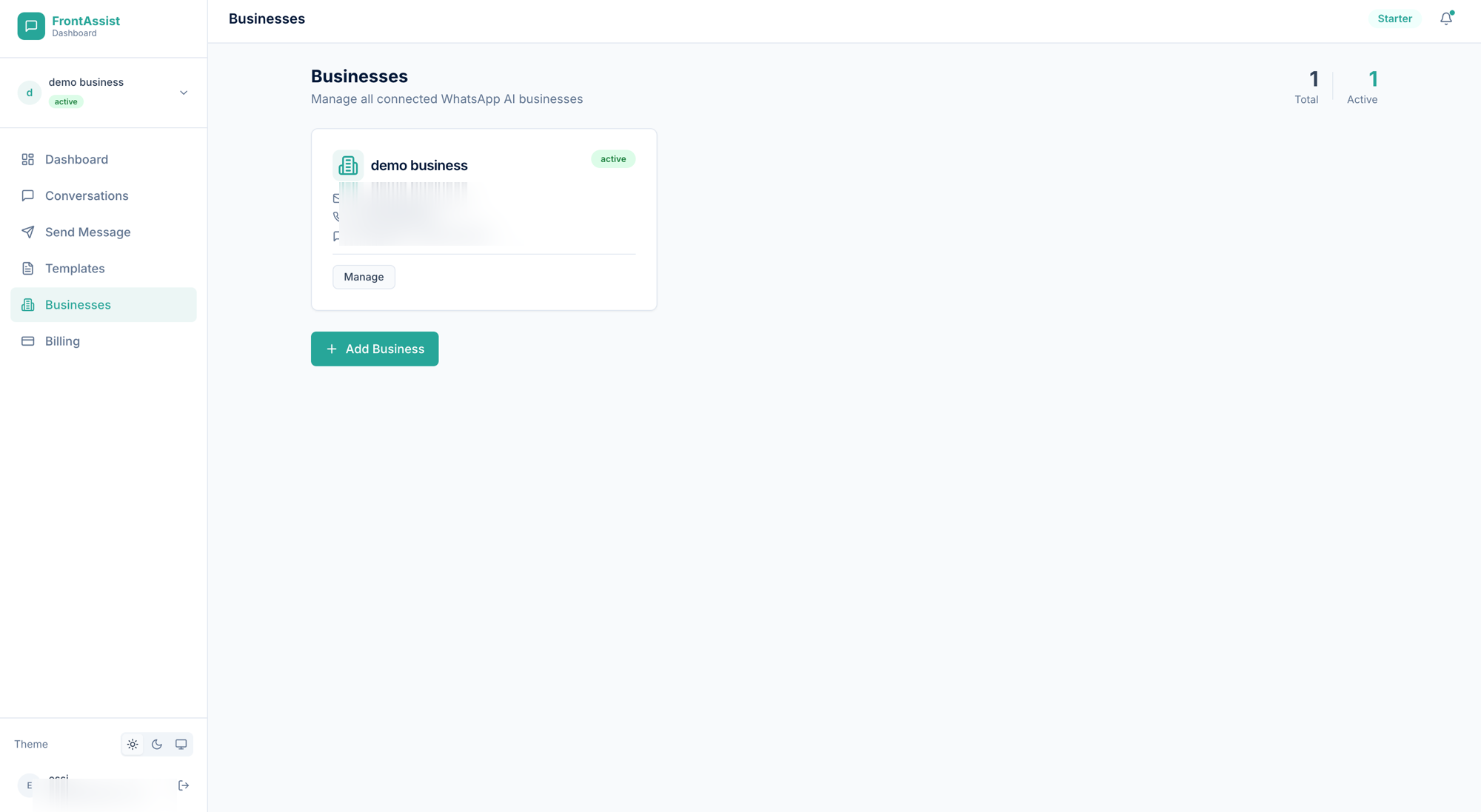
Open one with Manage to update its details or to turn the AI assistant on or off for that business. When you connect a business, the FrontAssist team also reaches out to help with deeper setup and any integrations you need. Need to run more than one? Use Add Business.
Billing
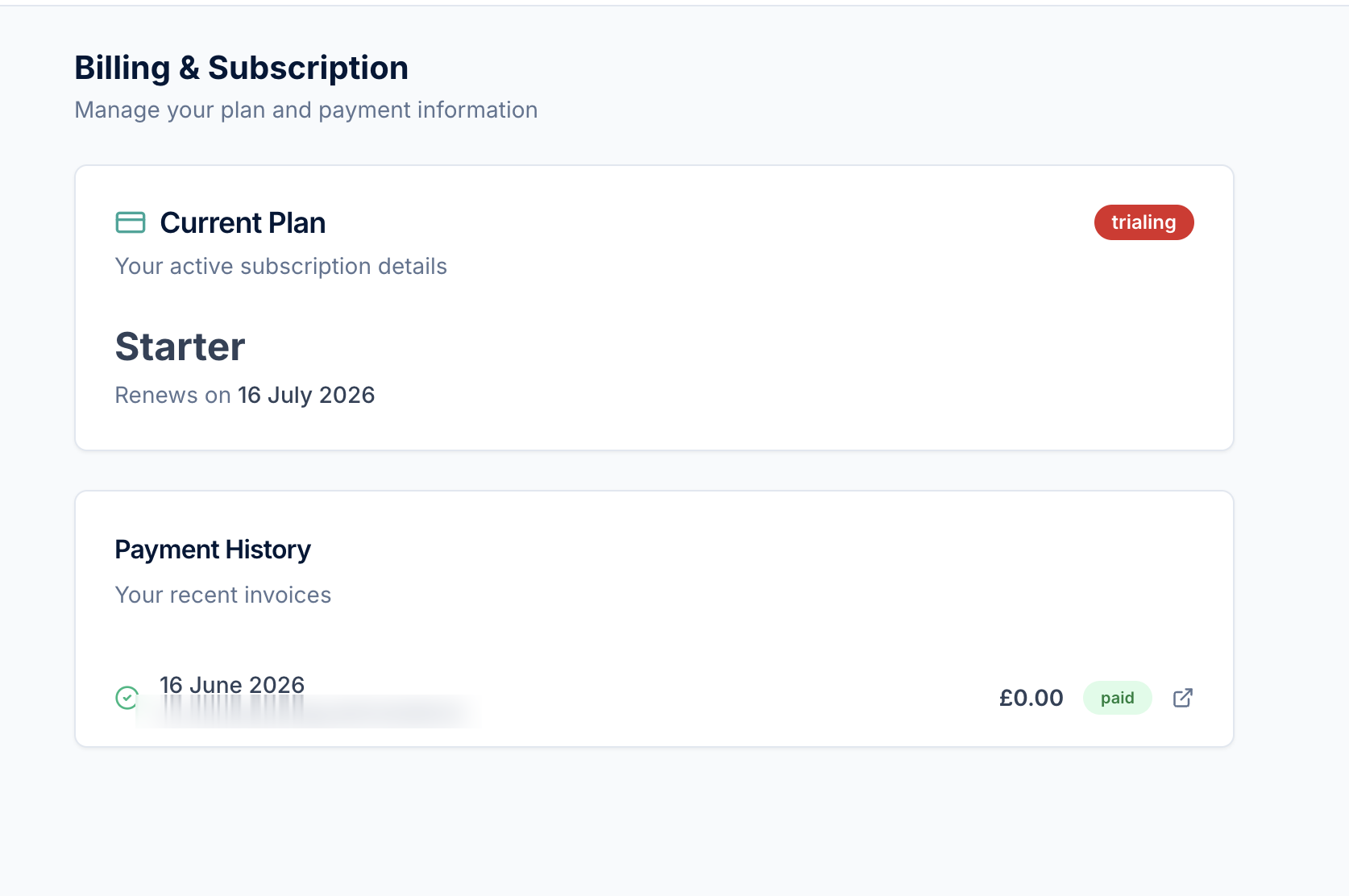
The billing area shows your current plan, trial status and invoices. Payments are handled securely by Stripe—you can review your plan and update payment details here at any time.